
B2B eCommerce Marketing
Improve your passwords now! Understand the risks, take action and create excellent passwords
Will it take a hacker 2 seconds or 20 trillion years to hack your password? Find out here and learn how to become more secure.

What are Google web stories? A comprehensive guide to the new Google web stories WordPress plugin
The Google web stories WordPress plugin came out of beta on September 22nd. Since, there’s been a lot of noise around this new form of creating SEO content from Google. Here’s everything you need to know. What are Google web stories? Google web stories are basically the search engine version of social media stories. With their mobile-first dimensions and emphasis…

The awesome power of an Atomic Design Methodology
Atomic design is a methodology creating the smallest elements first and reusing them to save time and increase consistency.
Why is my Magento 1 site slow and getting slower?
Hi, sorry to hear your Magento 1 site is getting slower. It’s February 2020 and in just a couple of months Magento 1 is being sunsetted (June 2020). This doesn’t mean your site is going to stop working but it does mean there are lots of things going on in the eCommerce world, and the cyber criminal world that are going to…

10 Campaign Ideas To Boost Customer Engagement
Maintaining a consistent presence in the digital world has become a necessity as people are spending more and more time online. Effectively hitting a campaign schedule is vital to keeping up the consistency, but actually creating new ways to interact with customers can be the most challenging part. Staying current and fresh is an obstacle for every business attempting to make an…
Magento XML Layout Update Cheatsheet – Brilliant timesaving tips!
A round up of our most recent XML layout updates for Magento 2 posts bringing them all into one easy to bookmark sheet.
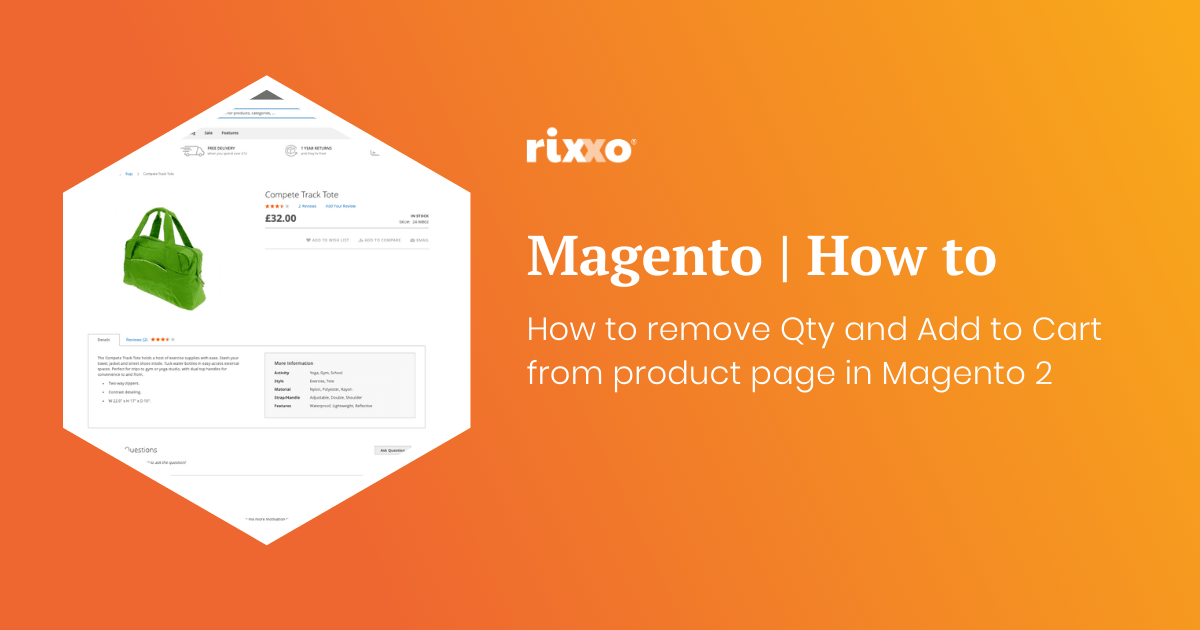
How to remove Qty and Add to Cart from product page in Magento 2
If you want to make a product page so somebody cannot add to the basket and remove the Qty and add to cart buttons this is really easy to do with a simple xml update. Use this code in the design xml layout update field on the product to remove the price. You can do it on a product by…
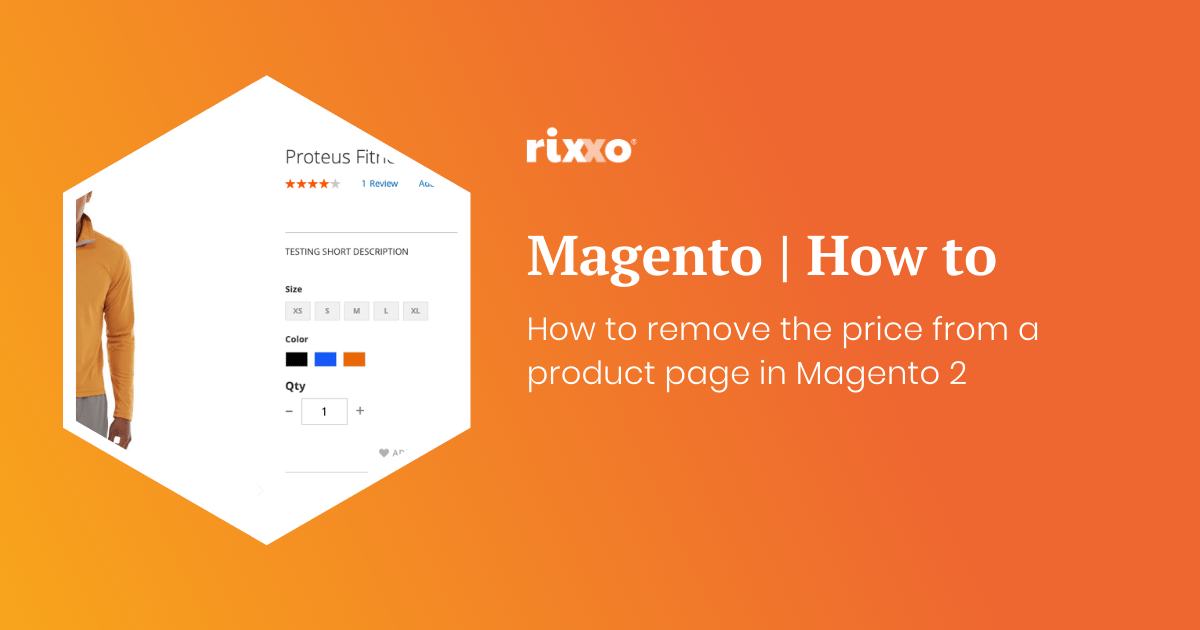
How to remove the price from a product page in Magento 2
Maybe you want customers to call you and you are going to tie this layout update in with a custom message. Maybe the item is out of stock and you don’t know what the price will be when it comes back in. Whatever reason you may have you’ll probably want to hide the price in a Magento store without ringing…
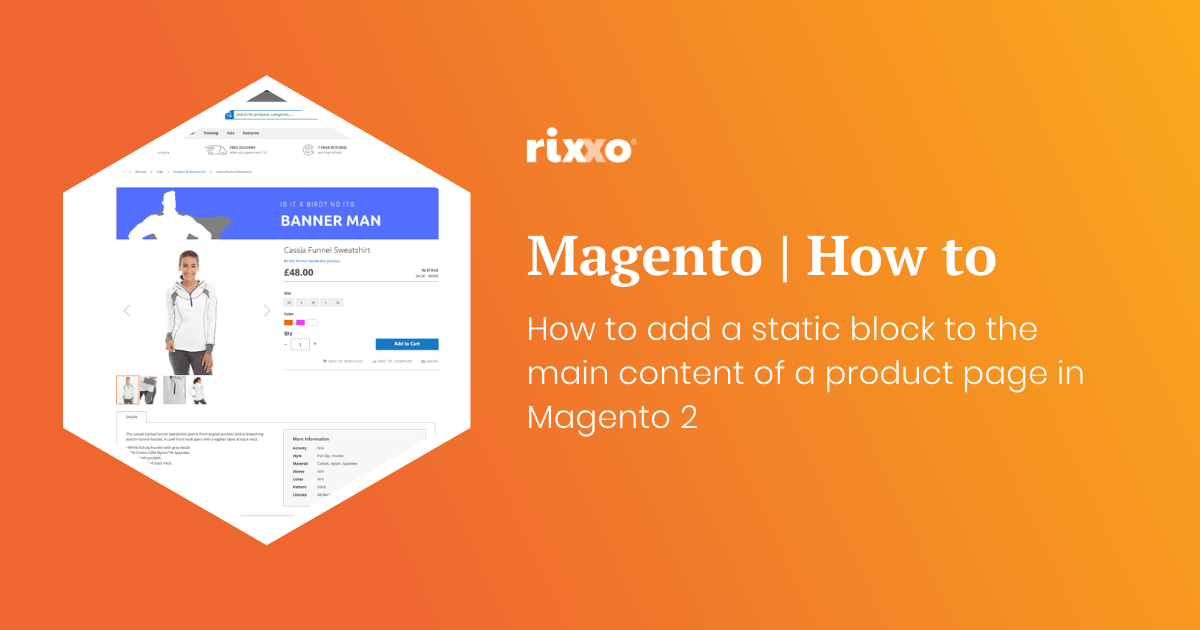
How to add a static block to the main content of a product page in Magento 2
This one is really handy. You may be wondering how to get a banner or block of text to the top of a product page in Magento 2. Create the static block you want to add after the image. When asked to give the block an identifier add something unique this will replace block_indentifier_here in the code below. Use this code to add…
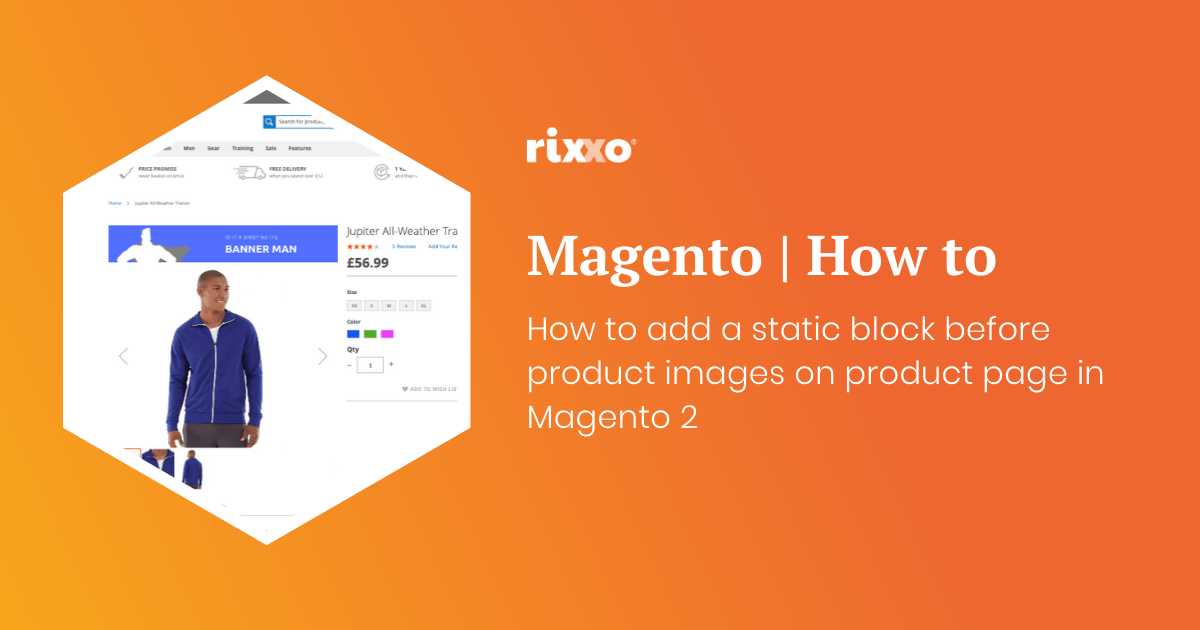
How to add a static block before product images on product page in Magento 2
Ok so this one is pretty much the same as the last one except we’re going to put the image before the product image gallery. Create the static block you want to add after the image. When asked to give the block an identifier add something unique this will replace block_indentifier_here in the code below. Use this code to add the block remembering…
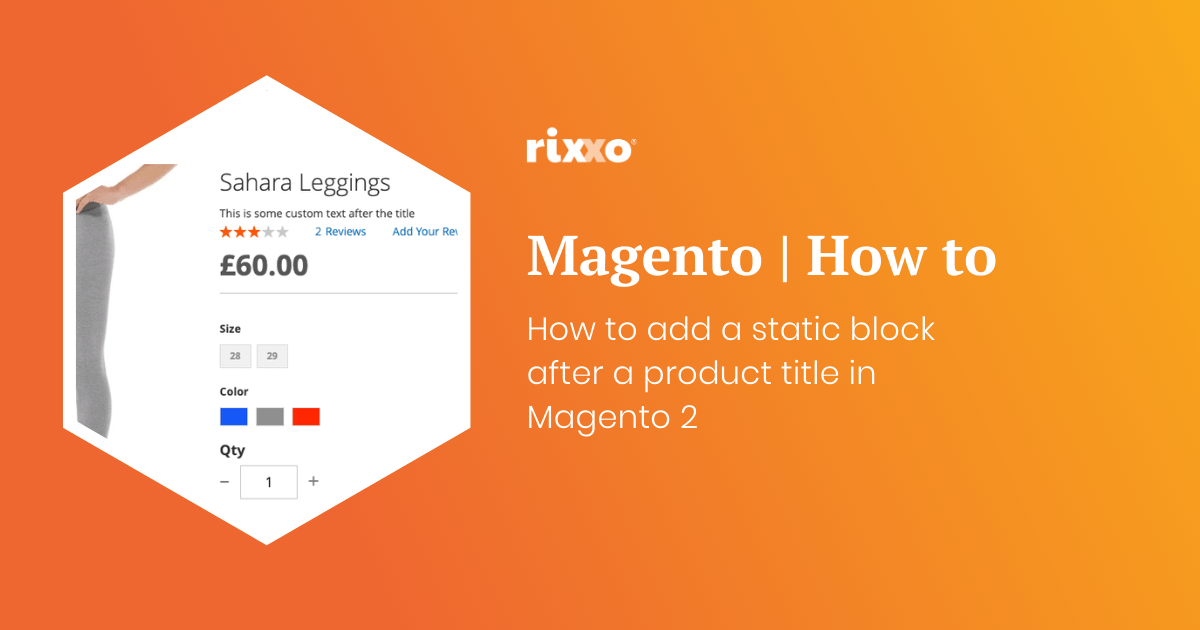
How to add a static block after a product title in Magento 2
Create the static block you want to add after the title. When asked to give the block an identifier add something unique this will replace block_indentifier_here in the code below. Use this code to add the block remembering to change the block identifier and giving the layout update a namespace such as custom.product.title.after Now you just need to style your contents that you’ve…
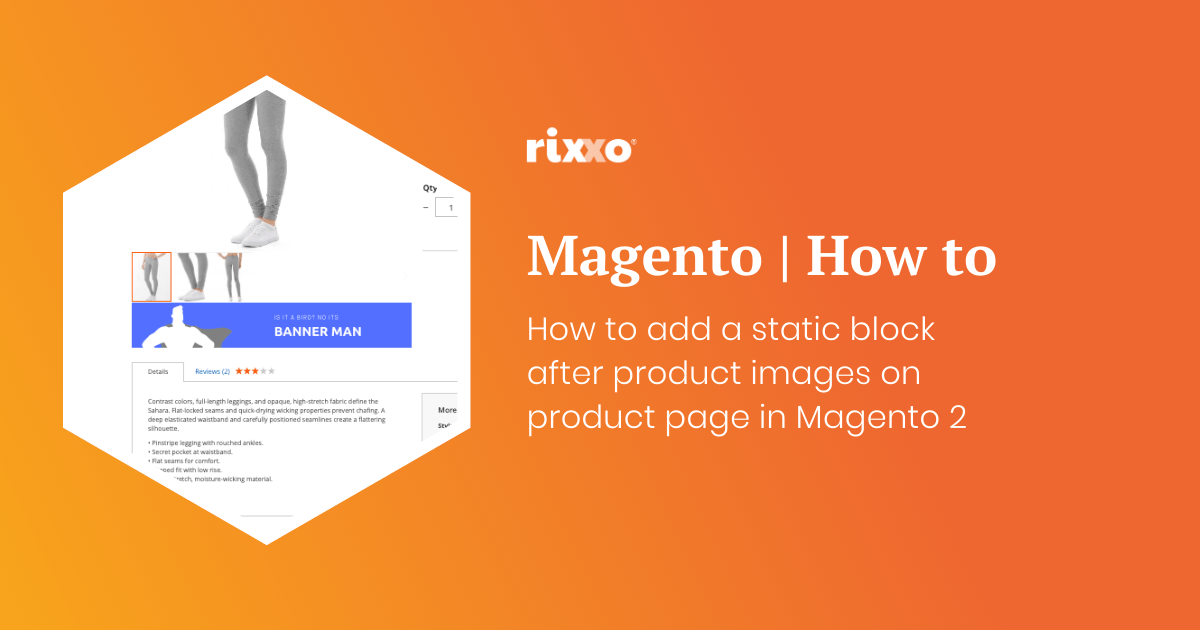
How to add a static block after product images on product page in Magento 2
Create the static block you want to add after the image. When asked to give the block an identifier add something unique this will replace block_indentifier_here in the code below. Use this code to add the block remembering to change the block identifier and giving the layout update a namespace such as custom.image.after Now you just need to style your contents that you’ve…
- « Previous
- 1
- 2
- 3
- Next »