
eCommerce

How to Create Promotional Discounts in Magento & Adobe Commerce
Whether online or on the high st, the use of promotional discounting to entice customers is a tried and tested method to boost sales. If you’re reading this you probably have a store built with Adobe Commerce or Magento 2 and you’re wondering how to correctly set up discounts for your store. Luckily there are multiple ways to achieve your…
How to use catalogue price rules & cart price rules in Magento (Adobe Commerce)
In Adobe Commerce (formerly Magento) there are several places where you can apply Rules for discounts and promotions. The rules engine that often appears in these discount generators can and does also appear in other plugins and extensions in the CMS. Wherever it appears it roughly works the same. The most common applications of this rules engine appear on Catalogue…

The Third Party Cookie Ban: What eCommerce Merchants Need to Know
If you’re an eCommerce merchant, there’s a good chance you’ve heard about the third party cookie ban by now. And if you haven’t, it won’t be long before you do. That’s because Google has finally put a deadline on their browser Chrome blocking third party cookies – January 2023. So what does this mean for your business? We know this…
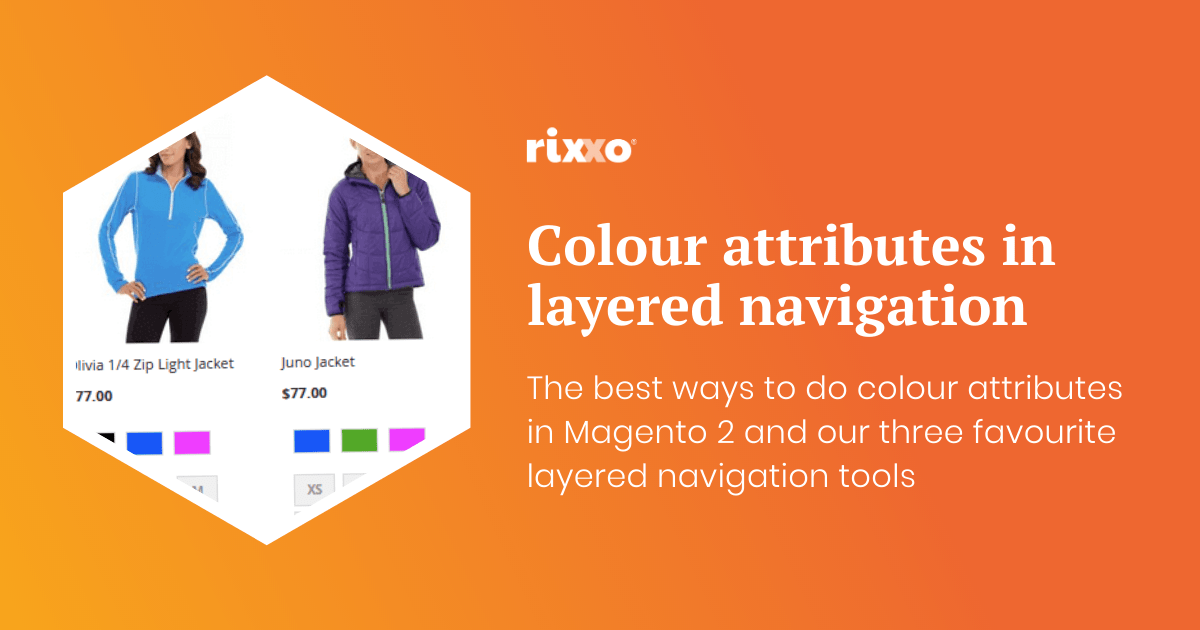
The best way to do colour attributes in Magento 2 with my top 3 layered navigation recommendations
What is layered navigation and faceted search? Layered navigation in Magento 2 allows your users to sort their search results based on attributes, like price range, colour or category. Often it’s titled ‘Shop by’ and found left of the search results. This is also sometimes called faceted search as you can filter items by their different facets. Sounds simple right?…

Why is my Magento 1 site slow and getting slower?
Hi, sorry to hear your Magento 1 site is getting slower. It’s February 2020 and in just a couple of months Magento 1 is being sunsetted (June 2020). This doesn’t mean your site is going to stop working but it does mean there are lots of things going on in the eCommerce world, and the cyber criminal world that are going to…
Magento XML Layout Update Cheatsheet – Brilliant timesaving tips!
A round up of our most recent XML layout updates for Magento 2 posts bringing them all into one easy to bookmark sheet.
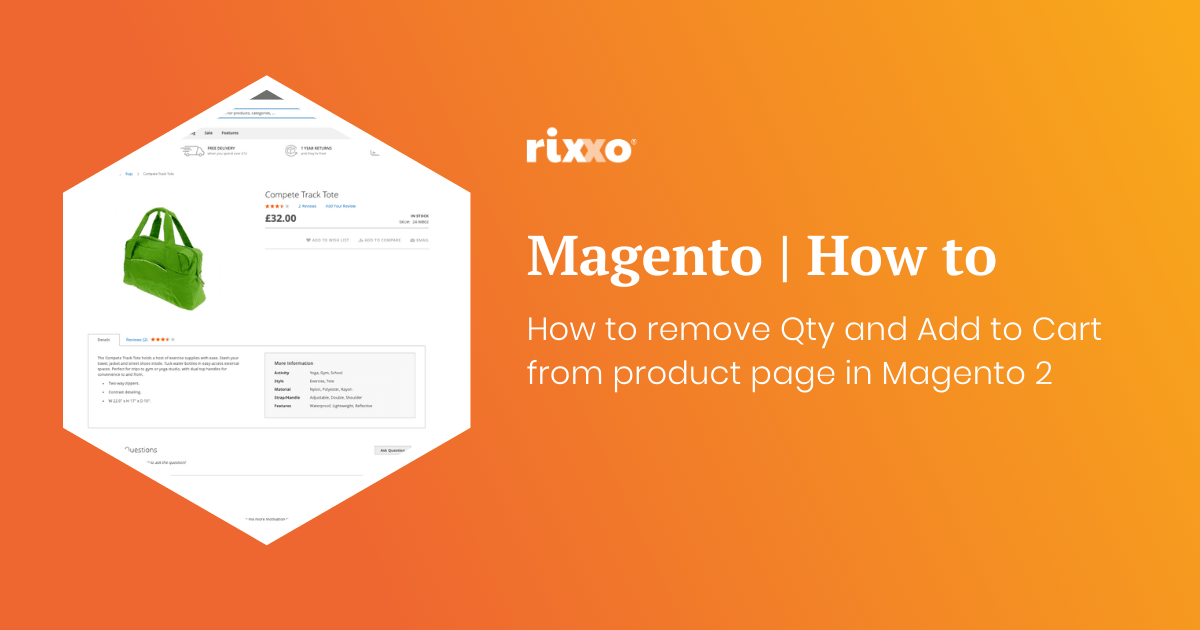
How to remove Qty and Add to Cart from product page in Magento 2
If you want to make a product page so somebody cannot add to the basket and remove the Qty and add to cart buttons this is really easy to do with a simple xml update. Use this code in the design xml layout update field on the product to remove the price. You can do it on a product by…
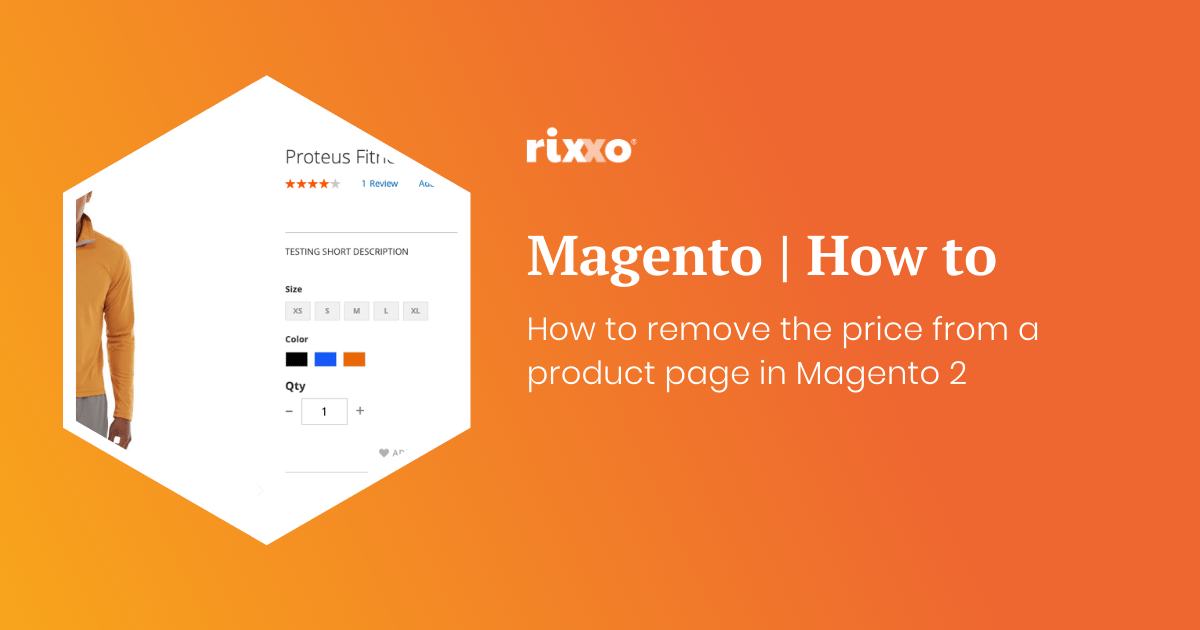
How to remove the price from a product page in Magento 2
Maybe you want customers to call you and you are going to tie this layout update in with a custom message. Maybe the item is out of stock and you don’t know what the price will be when it comes back in. Whatever reason you may have you’ll probably want to hide the price in a Magento store without ringing…
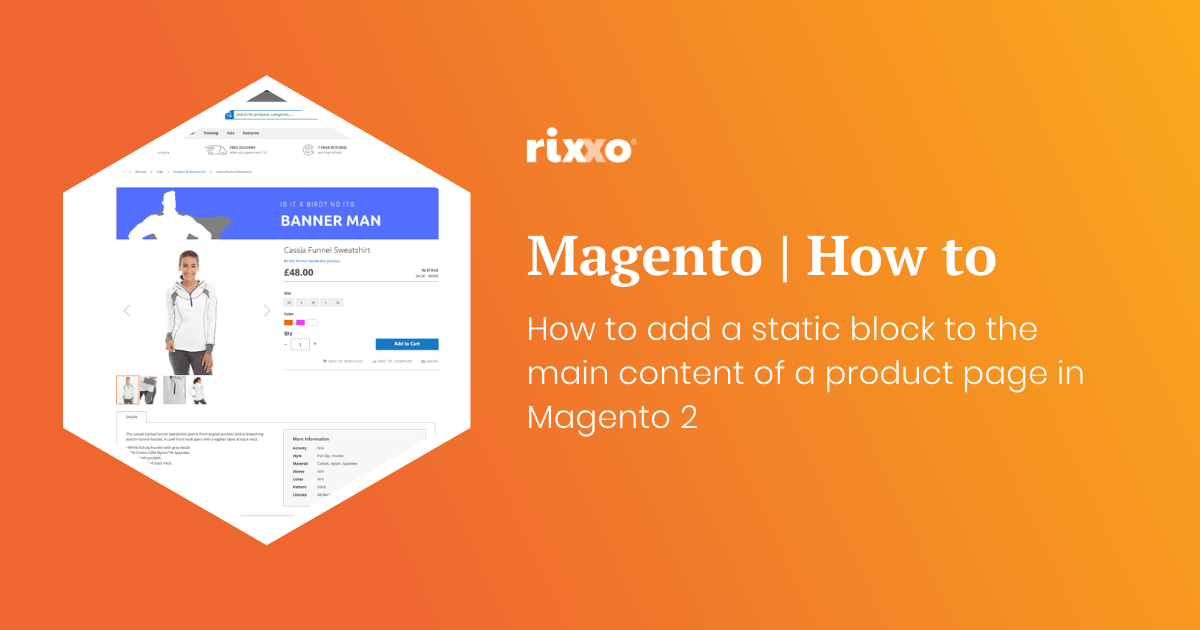
How to add a static block to the main content of a product page in Magento 2
This one is really handy. You may be wondering how to get a banner or block of text to the top of a product page in Magento 2. Create the static block you want to add after the image. When asked to give the block an identifier add something unique this will replace block_indentifier_here in the code below. Use this code to add…
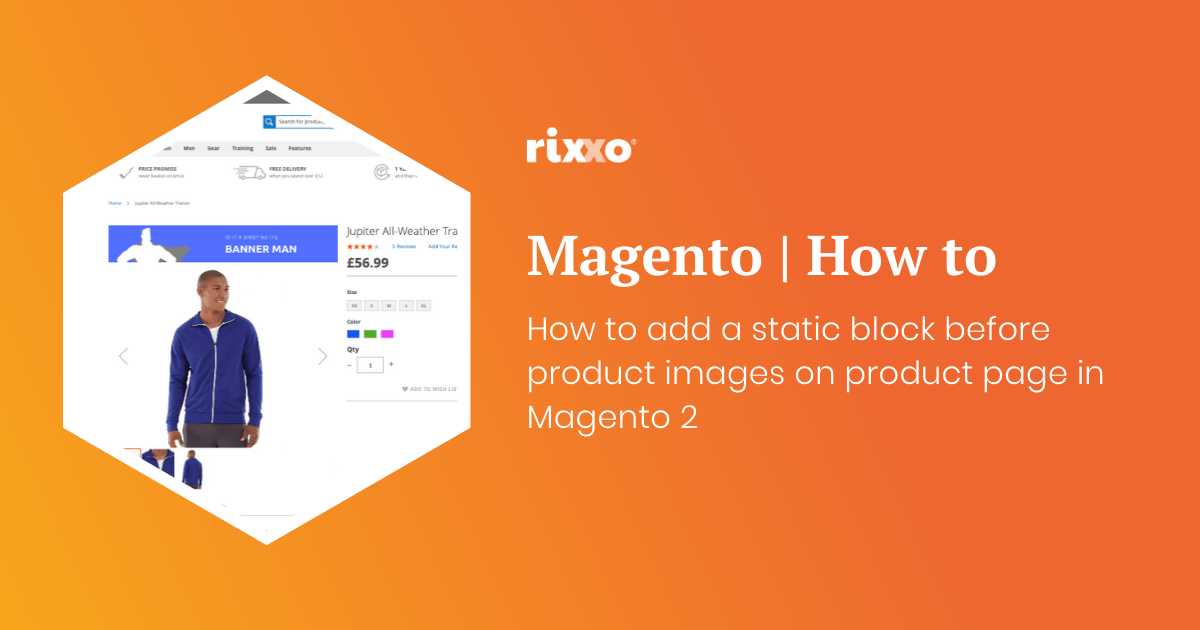
How to add a static block before product images on product page in Magento 2
Ok so this one is pretty much the same as the last one except we’re going to put the image before the product image gallery. Create the static block you want to add after the image. When asked to give the block an identifier add something unique this will replace block_indentifier_here in the code below. Use this code to add the block remembering…
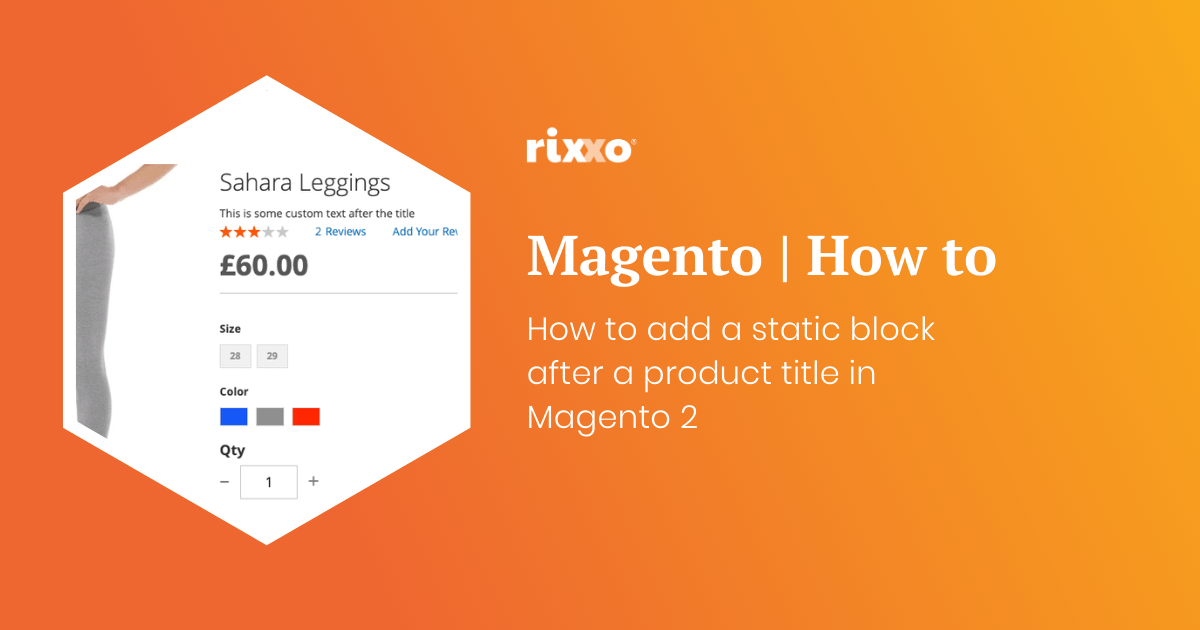
How to add a static block after a product title in Magento 2
Create the static block you want to add after the title. When asked to give the block an identifier add something unique this will replace block_indentifier_here in the code below. Use this code to add the block remembering to change the block identifier and giving the layout update a namespace such as custom.product.title.after Now you just need to style your contents that you’ve…
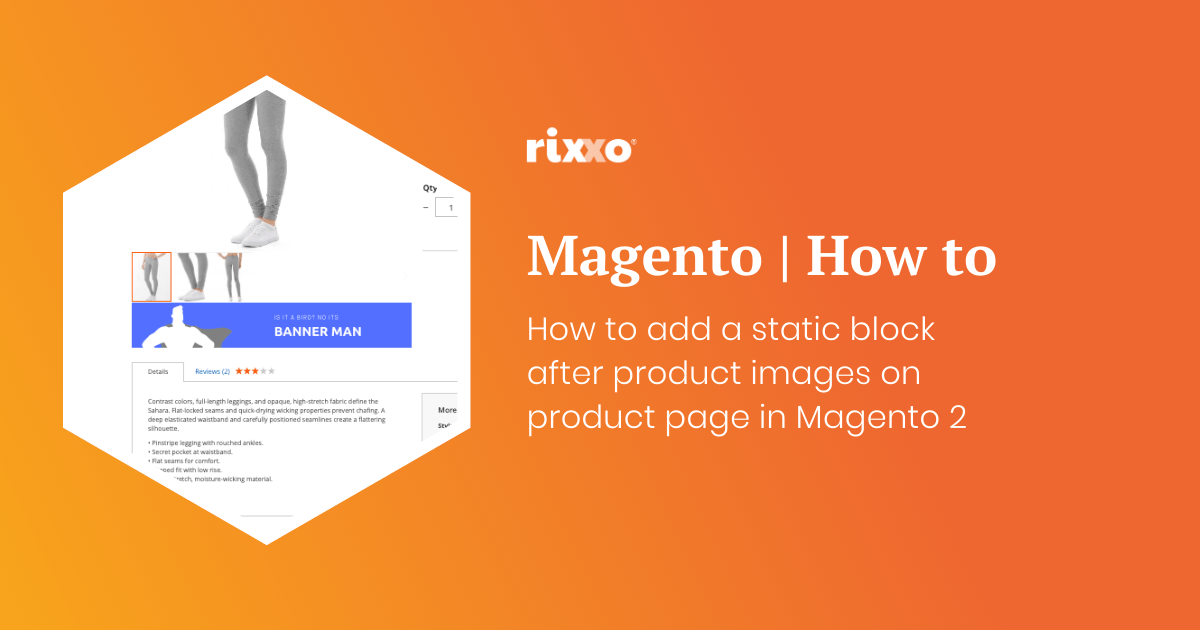
How to add a static block after product images on product page in Magento 2
Create the static block you want to add after the image. When asked to give the block an identifier add something unique this will replace block_indentifier_here in the code below. Use this code to add the block remembering to change the block identifier and giving the layout update a namespace such as custom.image.after Now you just need to style your contents that you’ve…
- « Previous
- 1
- 2
- 3
- 4
- Next »