
Magento
The Best Payment Gateways for Magento 2 (updated for 2024)
With so many payment providers, merchants, and aggregators available, picking the right payment gateway for your Magento 2 store can be challenging. Before we dive into the best options for your store, it’s essential to understand how people prefer to pay for goods and services online. Now that we know the stats, let’s make it as easy as possible for…
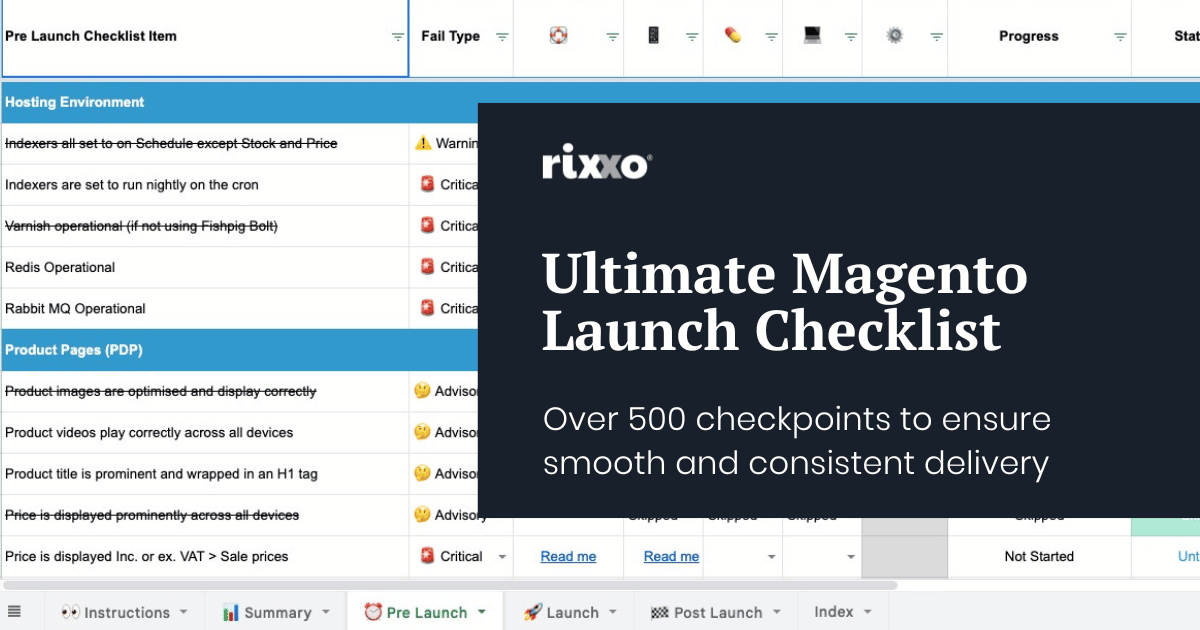
The Ultimate Magento Launch Checklist for Adobe Commerce & Magento Open Source (500+ Checkpoints)
Launching an eCommerce site is a mammoth undertaking which can feel more than just a little bit daunting. Whether it’s a B2B eCommerce website built on Adobe Commerce, Shopify, BigCommerce or a WooCommerce store, there are a huge number of tasks that must be completed at key stages of the build process. No matter which platform you choose, the list…

Our Magento Deployment Process (& Why it Matters)
The aim of this article is to share our Magento deployment process for building, upgrading and maintaining Magento 2 eCommerce sites for our clients. We’ll dive into the how (we promise to keep tech-speak to a minimum), but more importantly, we’ll cover the why. But why should you even care? Glad you asked. Knowledge is power, so when it comes…

How to Create Promotional Discounts in Magento & Adobe Commerce
Whether online or on the high st, the use of promotional discounting to entice customers is a tried and tested method to boost sales. If you’re reading this you probably have a store built with Adobe Commerce or Magento 2 and you’re wondering how to correctly set up discounts for your store. Luckily there are multiple ways to achieve your…

How to use catalogue price rules & cart price rules in Magento (Adobe Commerce)
In Adobe Commerce (formerly Magento) there are several places where you can apply Rules for discounts and promotions. The rules engine that often appears in these discount generators can and does also appear in other plugins and extensions in the CMS. Wherever it appears it roughly works the same. The most common applications of this rules engine appear on Catalogue…
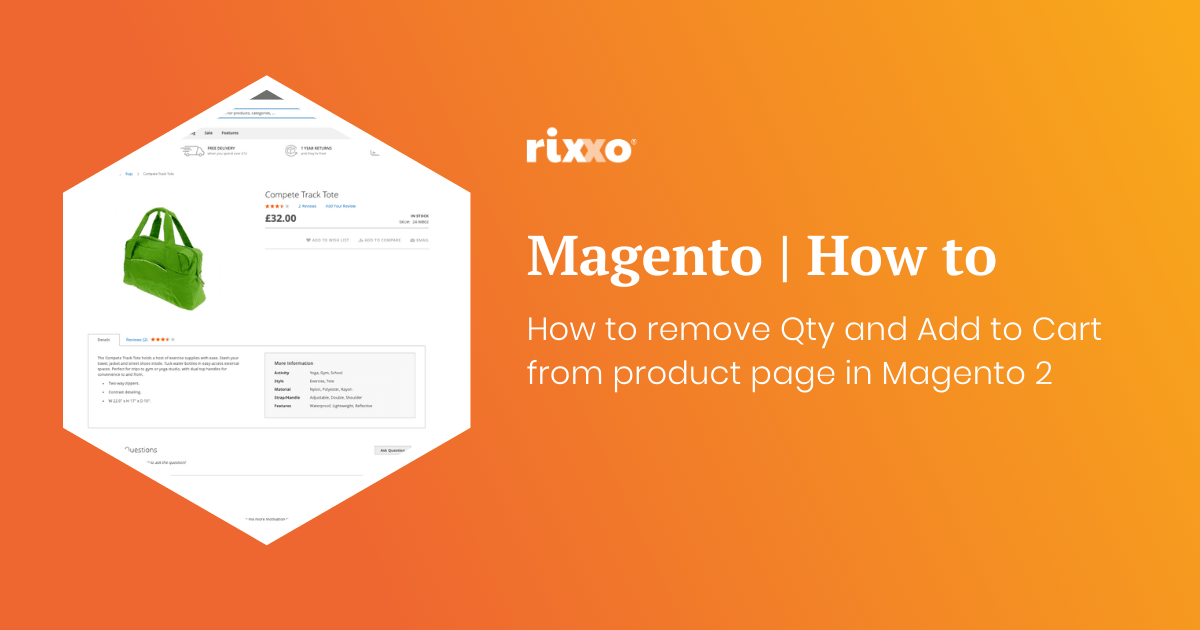
How to remove Qty and Add to Cart from product page in Magento 2
If you want to make a product page so somebody cannot add to the basket and remove the Qty and add to cart buttons this is really easy to do with a simple xml update. Use this code in the design xml layout update field on the product to remove the price. You can do it on a product by…
How to remove the price from a product page in Magento 2
Maybe you want customers to call you and you are going to tie this layout update in with a custom message. Maybe the item is out of stock and you don’t know what the price will be when it comes back in. Whatever reason you may have you’ll probably want to hide the price in a Magento store without ringing…
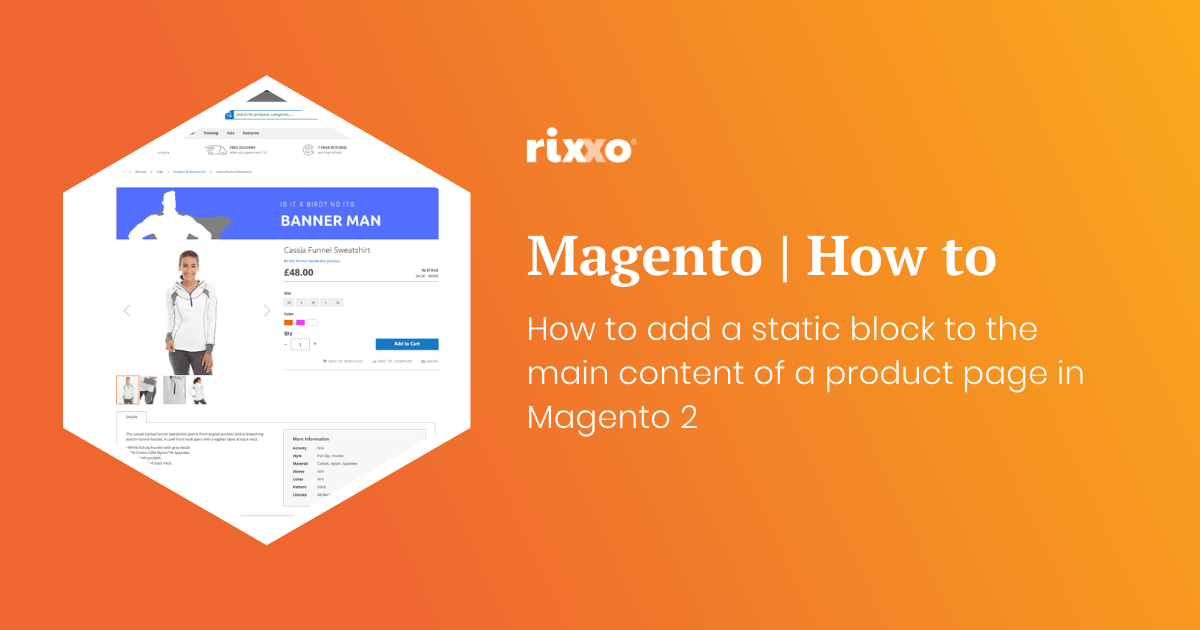
How to add a static block to the main content of a product page in Magento 2
This one is really handy. You may be wondering how to get a banner or block of text to the top of a product page in Magento 2. Create the static block you want to add after the image. When asked to give the block an identifier add something unique this will replace block_indentifier_here in the code below. Use this code to add…
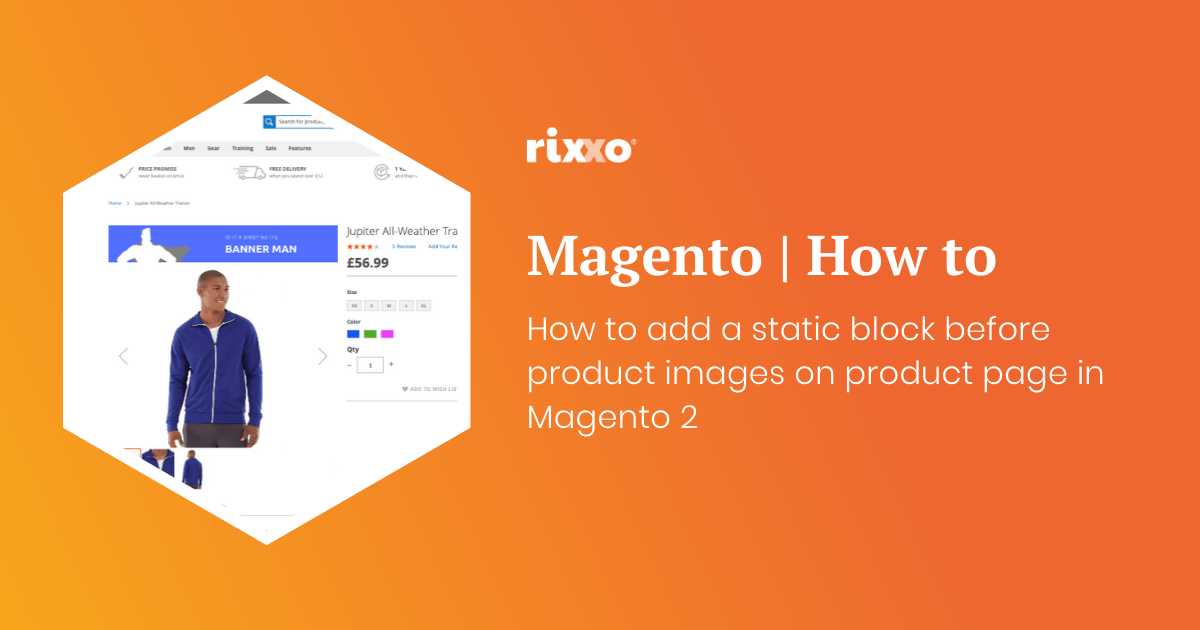
How to add a static block before product images on product page in Magento 2
Ok so this one is pretty much the same as the last one except we’re going to put the image before the product image gallery. Create the static block you want to add after the image. When asked to give the block an identifier add something unique this will replace block_indentifier_here in the code below. Use this code to add the block remembering…
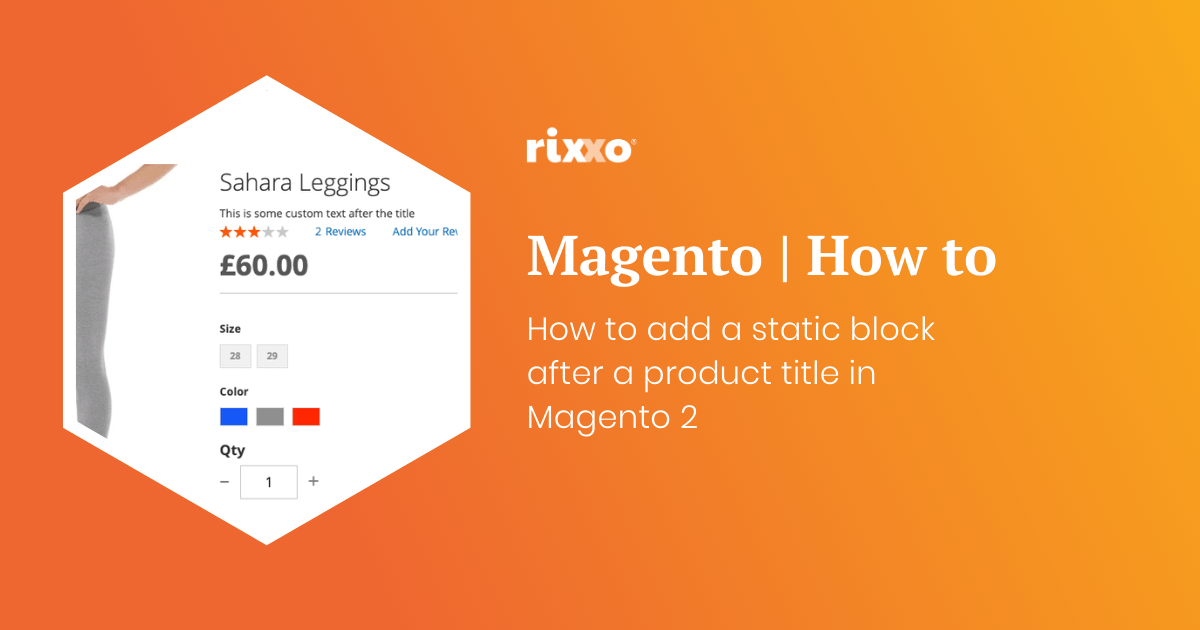
How to add a static block after a product title in Magento 2
Create the static block you want to add after the title. When asked to give the block an identifier add something unique this will replace block_indentifier_here in the code below. Use this code to add the block remembering to change the block identifier and giving the layout update a namespace such as custom.product.title.after Now you just need to style your contents that you’ve…
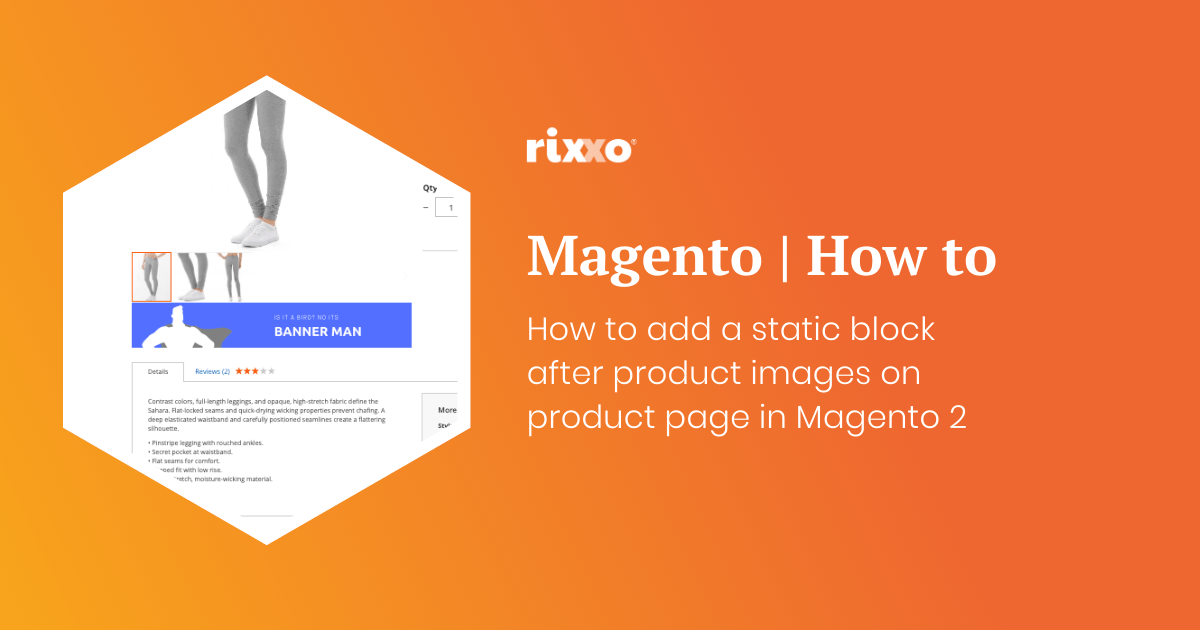
How to add a static block after product images on product page in Magento 2
Create the static block you want to add after the image. When asked to give the block an identifier add something unique this will replace block_indentifier_here in the code below. Use this code to add the block remembering to change the block identifier and giving the layout update a namespace such as custom.image.after Now you just need to style your contents that you’ve…